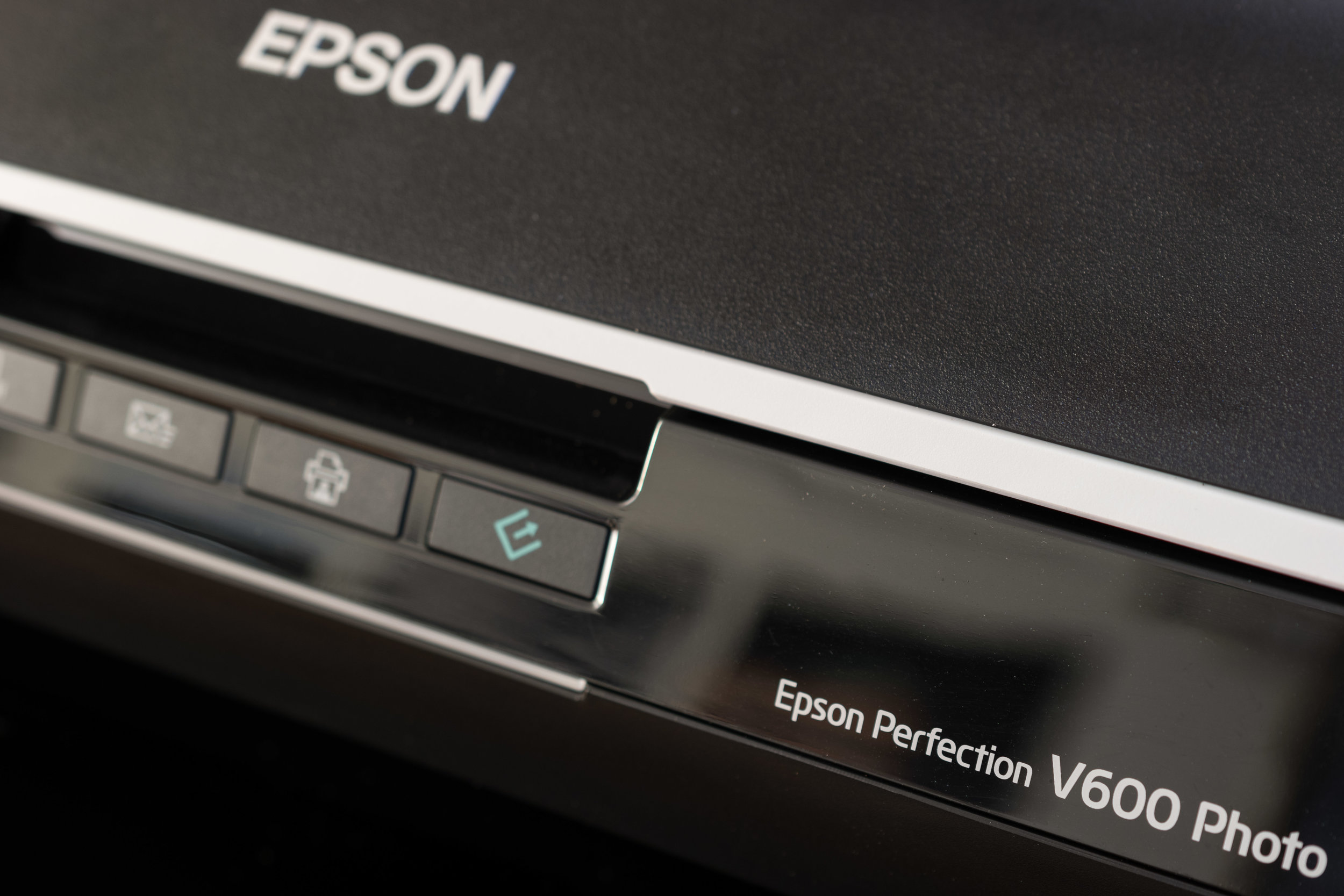
Film isn't the most expensive part of analog photography and neither is the camera. Most film bodies go for around $100 and lower, and come coupled with a fast 50mm prime. Even development isn't expensive if you shoot black and white film. When you do the math using Kodak products like I do, you're spending about $1-2 per roll to develop the film. Scanning is by far the most expensive part of film development if you use a lab. For example, scanning your film with a professional service like the one near me in Columbus costs $18 per roll for 3200 dpi scans. You'd only have to shoot and scan about 11 rolls of film to break even, assuming you bought a V600 brand new at $200. With prices like that, the savings quickly add up when scanning at home. But which type of scanner is right for you?
Dedicate vs Flatbed Film Scanners
When I started shooting film I had two amazing scanners at my disposal - an Epson V750 and a Hasselblad X1. The Hasselblad scans a single frame at a time but can resolve an amazing amount of detail. The machine was complicated to use but produced results on par with lab scanning... which explains the $15,000 price tag. The Epson V750, on the other hand, could scan 24 frames per film holder at about the same speed as the X1. The biggest difference between the two was that I could set up a film holder on the Epson, make my adjustments, and walk away while it scanned the negatives. Both dedicated and flatbed scanners have their pros and cons, which I've outlined below.
Dedicated Film Scanners
There's a lot of options in this range, especially if you're only going to scan 35mm film. When I went looking for a film scanner, I ended up deciding between a Plustek dedicated scanner or an Epson flatbed. There's really no way around it: dedicated scanners will produce better results than flatbed scanners. They scan frame by frame, often requiring the user to manually advance the film holder. There are three main issues I had with these dedicated scanners: they only accept one format, require the user to manually advance the filmstrip, and can only hold one strip of negatives at a time. More advanced scanners have features that negate some of these issues, but they're far from the $200-300 price point I was looking for. If time isn't a concern and you want the best quality scans possible, a dedicated scanner is a good option.
Flatbed Scanners
Flatbed scanners are versatile. They'll scan documents and film of varying sizes, with the higher end scanners taking everything from 35mm to large format. They use specialized holders which flatten the film and automatically identify individual what type of film you have on the scanning bed. In Epson's case, this allows you to set up multiple strips of film, make adjustments, and let the scanner do its work - no manual advance needed. Flatbed scanners won't give you the same quality image as a comparable dedicated scanner, but will allow you to scan multiple formats and more exposures at one time.
A Note on Digital ICE - Digital ICE can be useful when scanning color negatives. It scans the film with an infrared laser to identify scratches on the negatives and makes the appropriate corrections to the final result. This technology is useful for color film but doesn't work for black and white. If you're looking to save some money on a dedicated film scanner, and shoot primarily black and white film, look for a scanner without this technology. Plustek specifically sells a model without Digital ICE, and it'll save you a bit of money.